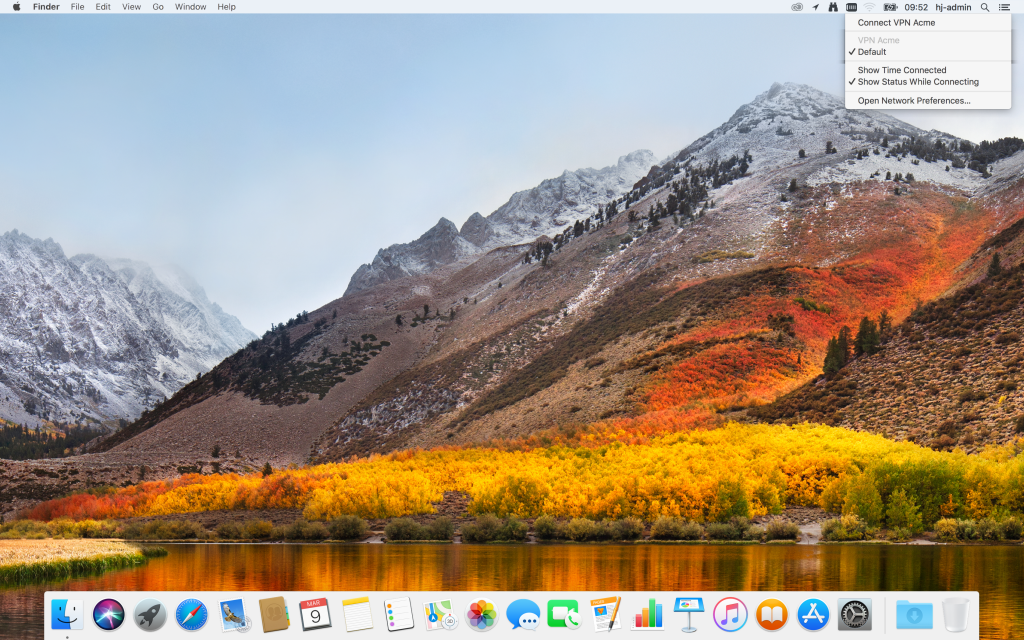
Here is instructions for setting up the Built-in VPN Client on macOS High Sierra.
Open Settings

Open Network

Click on the plus sign

Choose L2TP over IPSec and choose a name for VPN connection and click Create

Add the Server address and user name and click Authentication Settings

Add the password for your account and the pre shared secret and click OK

Thick the box Show VPN… and click Apply.

The VPN is now configured. To start the VPN click on the new VPN status  icon on top meny, that will open a meny so you can start the VPN.